![1024px_Zyda_Mainlogo_Black-8-1.png]](https://help.zyda.com/hs-fs/hubfs/1024px_Zyda_Mainlogo_Black-8-1.png?height=40&name=1024px_Zyda_Mainlogo_Black-8-1.png)
Publishing your website makes it live so customers can place orders normally.
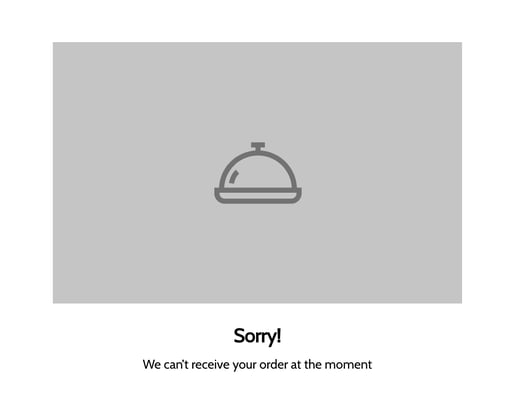
Unpublishing your store closes the website to new orders, and customers will see the following message:
Sorry!
We can't receive your order at the moment
If you want to stop receiving orders temporarily, it’s recommended to use Busy Mode instead of unpublishing.
Busy Mode keeps your website visible while preventing new orders for a specific time.
Steps to publish or unpublish your website
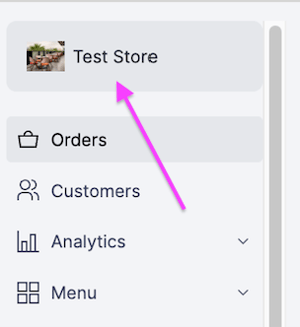
1- Click on the store name.
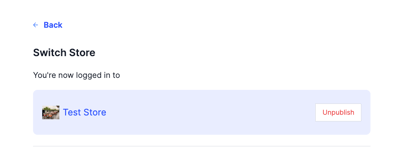
2- Click Publish to open the website, or Unpublish to close it.