For: Owners, Operations, Finance
Where: Finance > Plan > Services
Available: Web dashboard · All countries
Needs: Starter App or Premium App add-on
Regular customers order faster from an app on their phone, and you can send them notifications for free. Zyda can publish an app under your own name in the App Store and Google Play.
How it works
Your store app is an iPhone and Android app with your name and logo. It uses the same menu, prices, offers and branches as your website. Its orders come into your dashboard with your other orders.
Zyda builds and publishes the app for you. You do not need to change anything in the editor.
There are two kinds:
| Add-on | What you get |
|---|---|
| Starter App | Your own iOS and Android app, published under your brand, with push notifications included. |
| Premium App | A fully custom app designed around your brand, with its own features and ordering flow. Zyda's team builds it with you. |
You find both on the Plan page. Starter App shows its price. Premium App shows Contact Us instead of a price. See Add or remove paid services.
How customers find your app
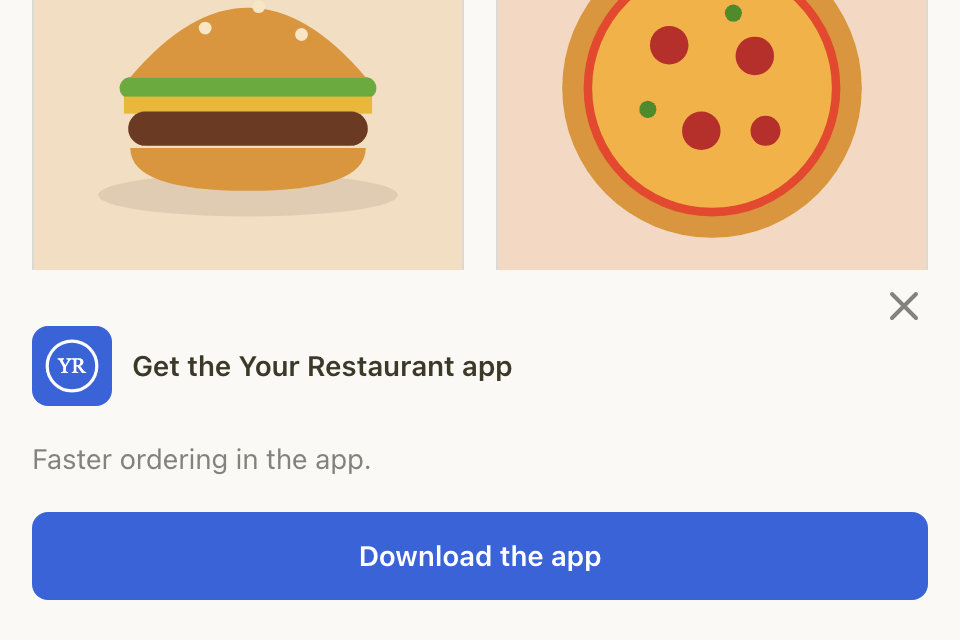
When a customer opens your website on a phone, a banner at the bottom says "Get the" and your store name, then "app". It has a Download the app button that opens the right store for their phone. On an iPhone in Safari, Apple's own app banner shows at the top instead.
If you run an offer for the app only, the banner says "Faster ordering and app-only offers."
A customer can close the banner. Their browser remembers it, and the banner stays closed for them.
What you can do with your app
- Send push notifications: messages to customers who turned on notifications in your app. They are free. See Send a campaign.
- Run app-only offers: choose App only under Available on for an offer. Your store also needs its own website domain. See Choose who, where and when an offer works.
- Find app orders: in Manage > Orders, select More filters, then Placed through, then Branded App.
Rules and limits
- The banner shows on phones only, not on tablets or computers.
- The banner shows only when your app is live in the store for that phone: the App Store for an iPhone, Google Play for an Android phone.
Common questions
Do I need to build my menu again for the app?
No. The app uses your store's menu, prices and offers. A change in your dashboard shows in the app too.
How do I get an app?
Add Starter App on the Plan page. For Premium App, select Contact Us on its row. Zyda then publishes the app for you.