For: Owners, Operations, Marketing, Finance, Branch staff
Where: Your initials at the top right > Language
Available: Web dashboard · All countries
Each person on your team can use the dashboard in English or in Arabic. The choice is yours alone. It does not change the language for your team or your customers.
How it works
The dashboard shows every page in the language you choose. In Arabic, pages read from right to left.
Zyda saves your choice in the browser you use. Another computer, phone or browser keeps its own choice.
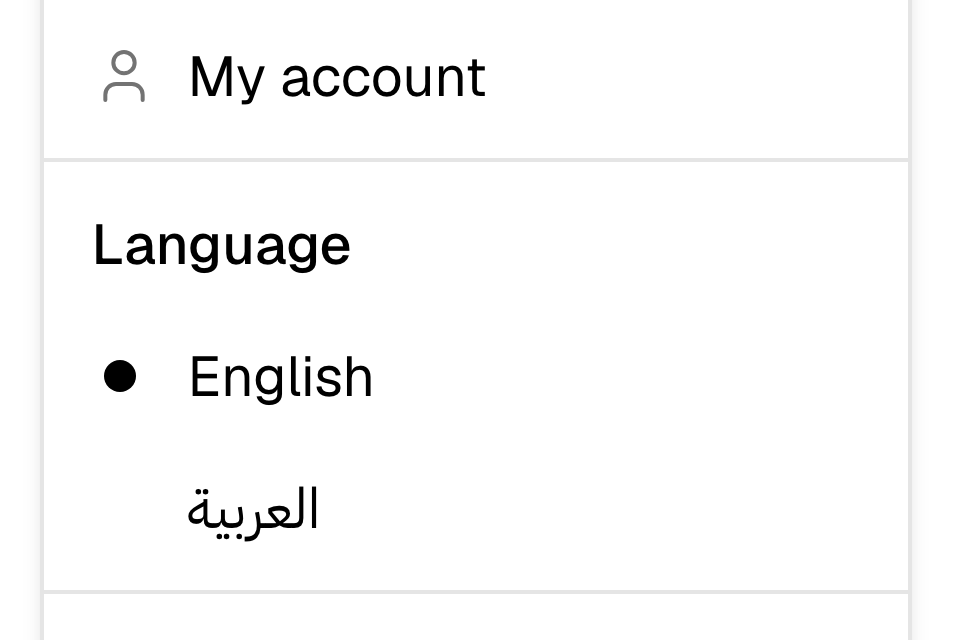
Change the language
- Select your initials at the top right of the dashboard.
- Under Language, select English or العربية.
The page changes at once.
Change the language before you sign in
On the sign-in page, select العربية or English under the sign-in box.
Rules and limits
- The choice is saved in this browser only. If you clear your browser data, the dashboard opens in English.
- Emails from Zyda about your plan and your team use the language set for your store, not this choice.
Common questions
Why did the dashboard go back to English?
You opened it in another browser, or your browser data was cleared. Choose العربية again.
Does this change the language of my website?
No. It changes only the dashboard you see.