For: Owners, Operations, Marketing, Finance, Branch staff
Where: Sign-in page > Forgot your password?
Available: Web dashboard · All countries
You sign in to the Zyda dashboard with your own email. If you forget your password, Zyda emails you a link to choose a new one.
How it works
Each person signs in with the email their store owner added to the team. You can sign in two ways:
- With your email and password.
- With Sign in with Google, when your Google email is the same as your dashboard email.
Google sign-in never creates an account. It only opens an account your store owner already added.
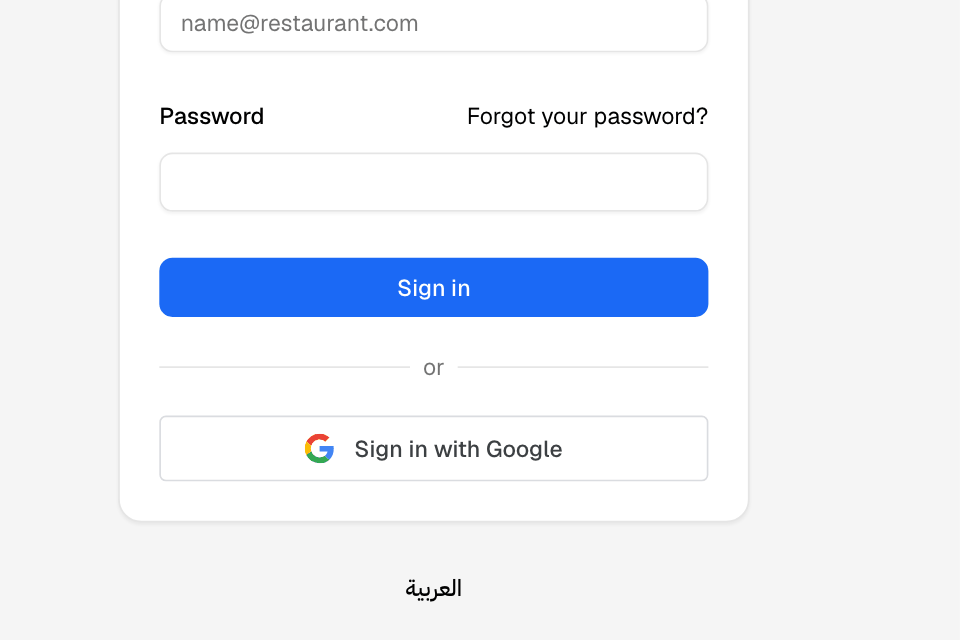
Sign in
- Open the dashboard sign-in page.
- Enter your Email and Password.
- Select Sign in.
Or select Sign in with Google and choose your Google account.
If you work for more than one store, choose the store after you sign in.
Reset a forgotten password
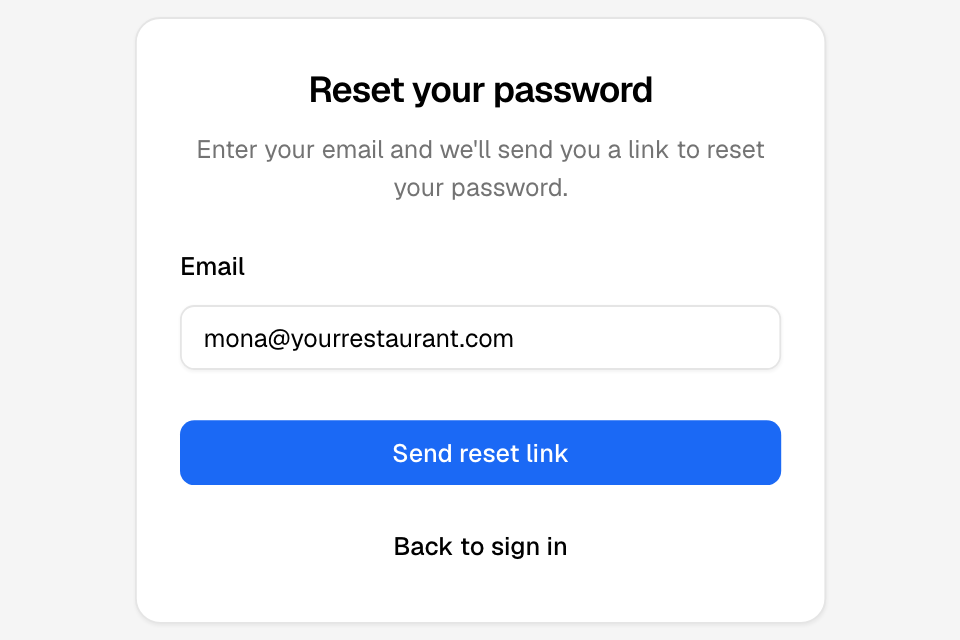
- On the sign-in page, select Forgot your password?.
- Enter your Email.
- Select Send reset link. You see "Check your email".
- Open the email from Zyda and open its link.
- Enter a New password, from 8 to 32 characters.
- Enter it again in Confirm password.
- Select Change password.
The sign-in page opens with "Your password was changed. Sign in with the new one."
If the email does not arrive, check your spam folder, then select Send it again.
Rules and limits
- A new password needs 8 to 32 characters. On this page, any letter, number, symbol or space works.
- A reset link works for 2 hours.
- Only the newest link works. Each new request replaces the link before it.
- If a link has expired or was replaced, select Request a new link.
- A store owner cannot reset your password for you. Use Forgot your password?.
| Message | What it means |
|---|---|
| That email and password don't match. | Check your email and password, or reset your password. |
| This email is not registered! Please try again. | No dashboard account uses this email. Ask your store owner to add you. |
| No Zyda dashboard account uses this Google email. | Your Google email is not on any team. Sign in with your email and password, or ask your store owner to add you. |
| This account is inactive. Contact Zyda to reactivate your store. | Every store on your account is closed. Contact Zyda. |
| Your session has expired. Please sign in again. | Sign in again. |
Common questions
I was added to a team but never got a password. What now?
On the sign-in page, select Forgot your password? and enter the email your owner used. Choose a new password from the link.
Can I change the sign-in page to Arabic?
Yes. Select العربية under the sign-in box. Select English to go back.